
Global Alliant
A comprehensive digital reimagining for Global Alliant. Designed to bridge the gap between corporate authority and modern user accessibility, establishing a foundation of absolute trust from the very first scroll.
Project Context & History
During my tenure as Lead UI/UX Designer at UNIABROAD, a high-stakes partnership was proposed with Global Alliant. To secure this partnership, we needed to present a vision of how Global Alliant's digital presence could be elevated to match their operational scale.
I spearheaded the design initiative, crafting a bespoke web experience from the ground up. The goal wasn't just to make it "look good," but to architect a platform that effectively communicated their services, built immense trust, and funnelled users toward engagement. Although the business contract ultimately stalled, the designs themselves were universally praised and approved by the Global Alliant executive team.
Information Architecture & User Flow
For a corporate consulting firm, the user journey must be incredibly straightforward. Decision-makers don't have time to dig. The architecture was designed to take users from "What is this?" to "How can they help me?" to "Let's talk" in a seamless, logical flow.
1. The Hook (Hero)
Immediate Value Proposition & Primary CTA
2. Establishing Capability
About Us & Core Services / Solutions
3a. Validation
Client Logos & Case Studies
3b. Trust
Testimonials & Statistics
4. Conversion
FAQ & Final Call to Action
Design Philosophy
Corporate websites often fall into the trap of being either too dry (lacking visual engagement) or too flashy (compromising on professionalism and readability). My approach for Global Alliant struck a balance by focusing on typographical hierarchy and intentional whitespace.
Leveraged heavy padding and margins to let content breathe, significantly reducing cognitive load for B2B users scanning for information.
Designed with a clear visual hierarchy where primary CTA buttons hold maximum contrast, guiding the user journey seamlessly.
The UX Decision Framework
Every visual decision flowed through three gates before reaching the canvas.
What must Global Alliant achieve?
How does the journey serve it?
What is the exact UI treatment?
Deep Dive: Design Anatomy
The design was structured to establish immediate authority while keeping information easily scannable and accessible. Below is a breakdown of the key interfaces created for this project, explaining the strategic 'why' behind the pixels.
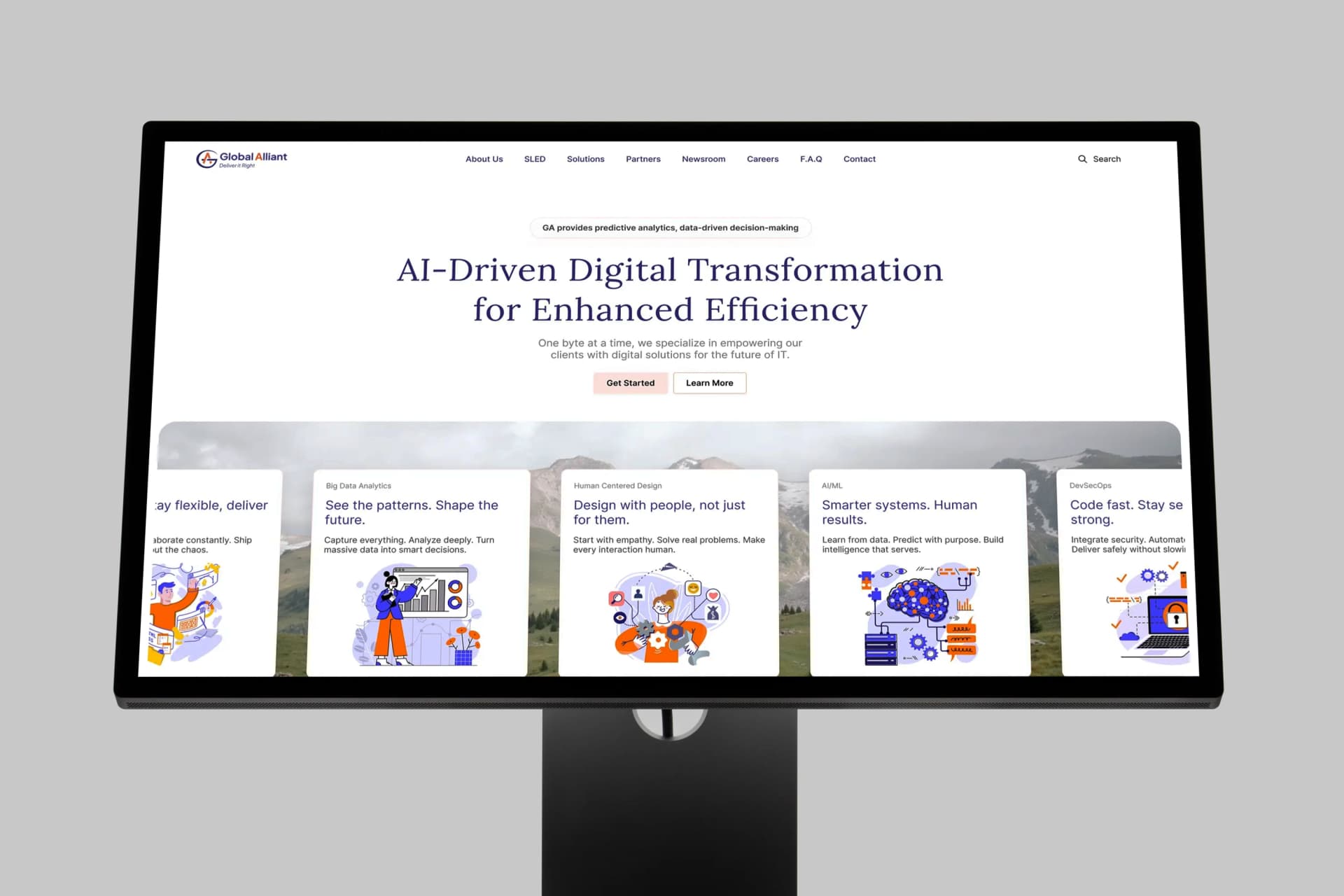
1. First Impressions & Navigation
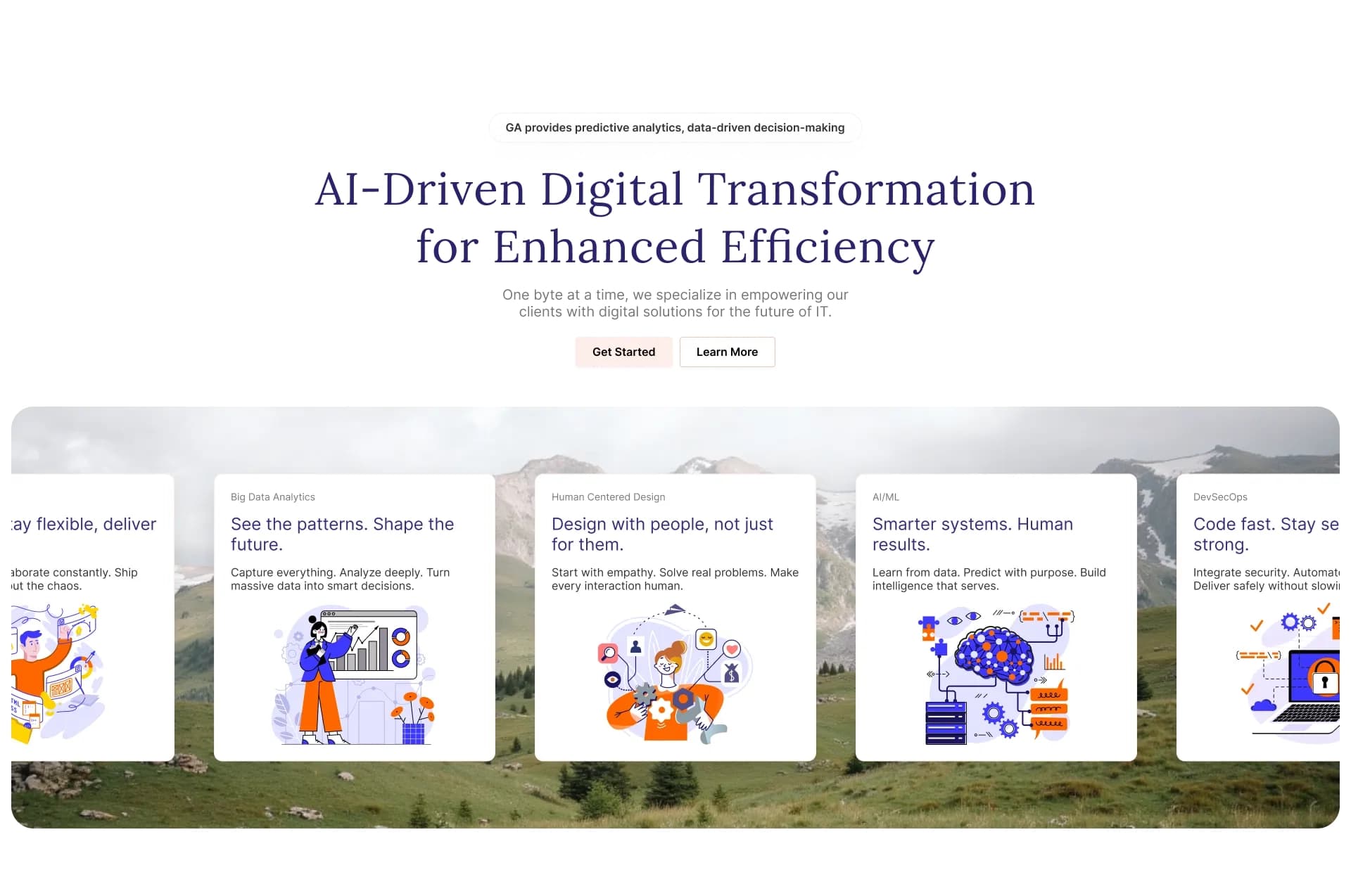
Corporate users make snap judgments. The navigation was kept deliberately minimal to reduce decision fatigue, while the Hero section uses high-contrast typography and a clear, singular call to action. The goal here was to immediately answer: "Who are you and what do you do?" before the user scrolls.

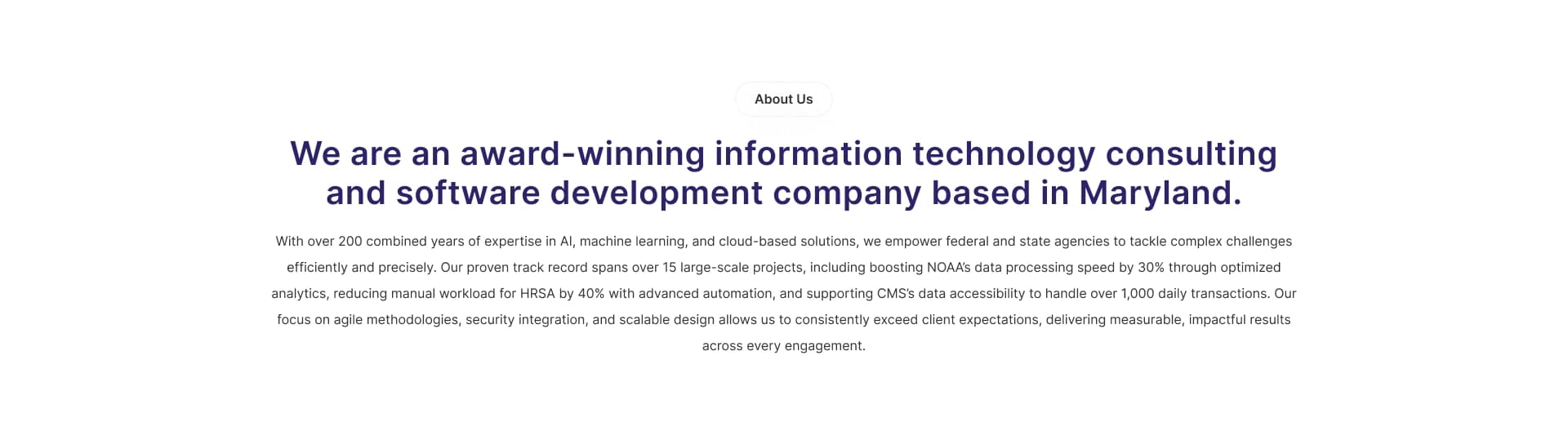
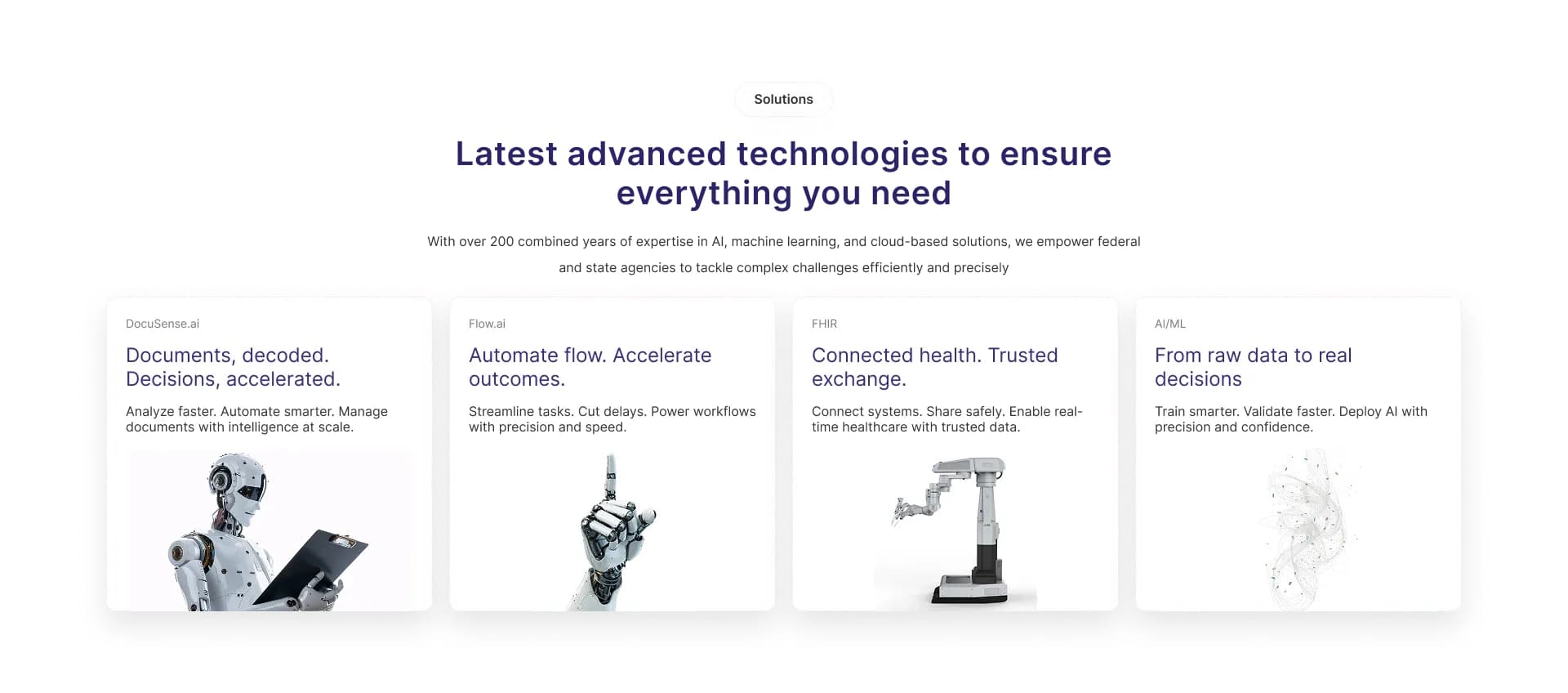
2. Establishing Capability & Solutions
B2B clients look for specific capabilities. The About section uses an asymmetrical layout to feel modern yet grounded, breaking the monotony of standard corporate grids. The Solutions section employs a modular, card-based UI that allows users to rapidly scan and self-select the service bucket relevant to them without reading heavy paragraphs.
3. Building Trust with Social Proof
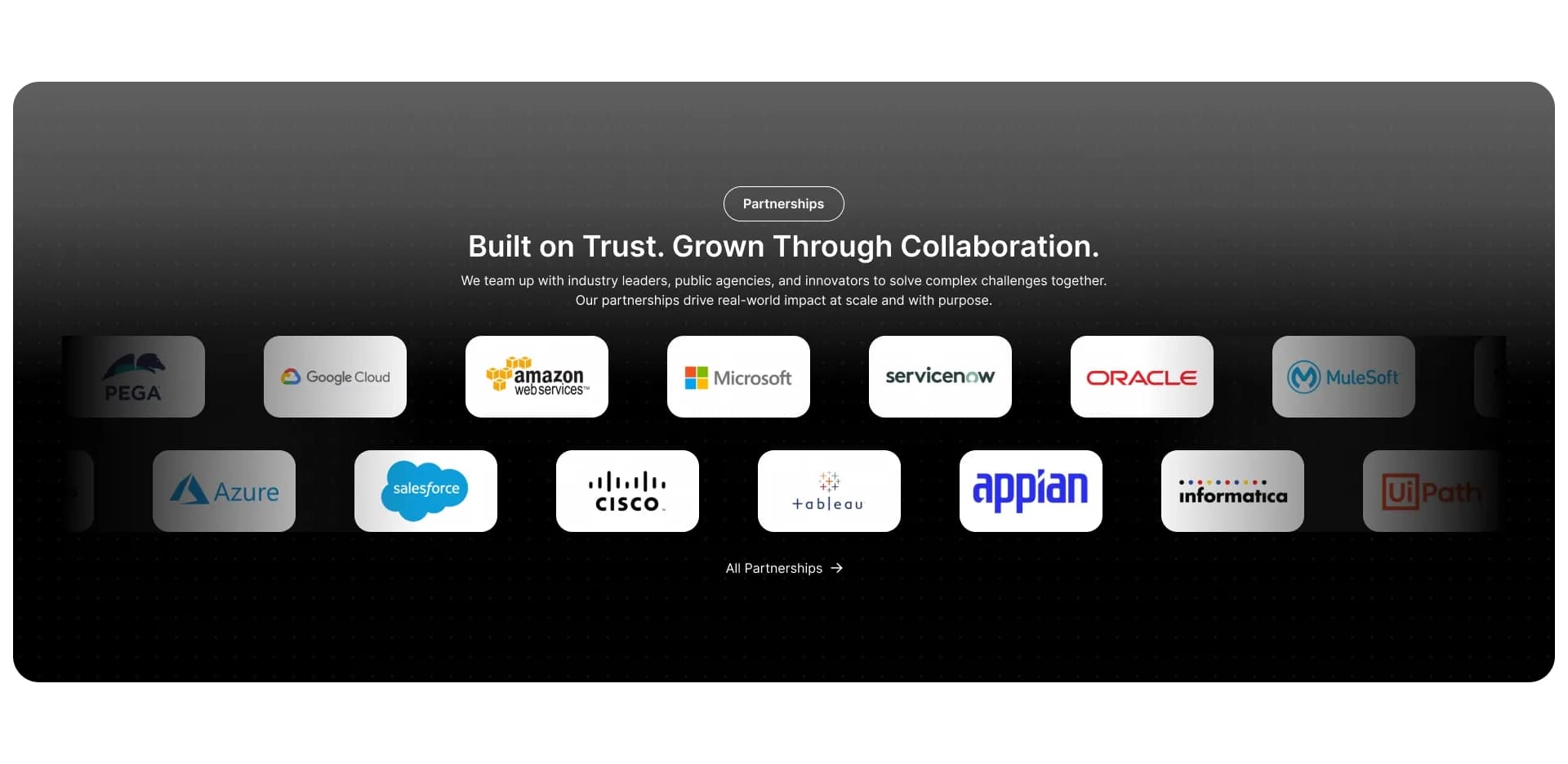
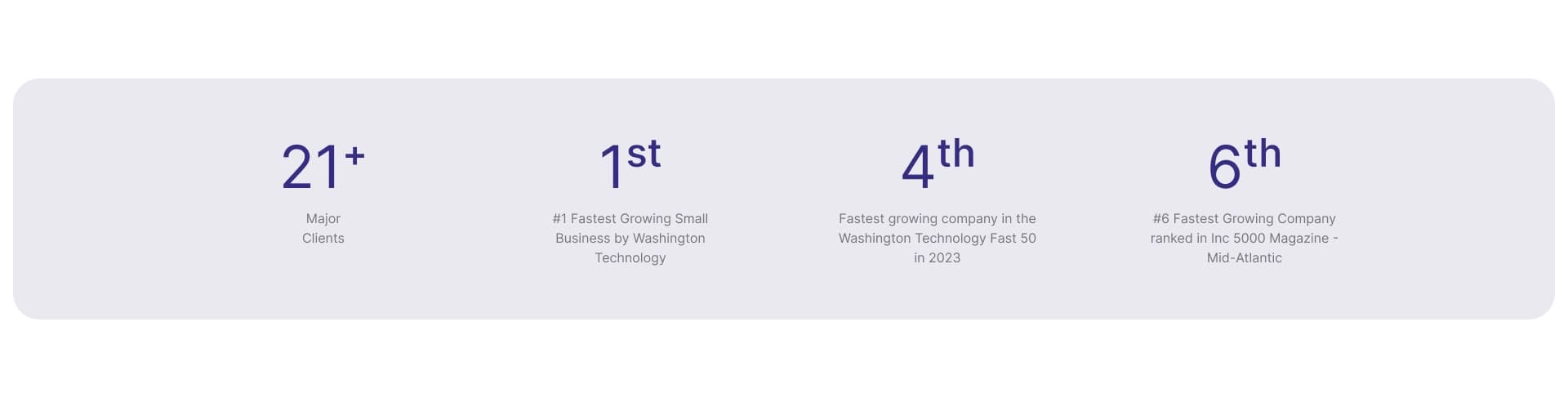
Trust is the currency of B2B. I grouped the Statistics, Client Logos, and Testimonials together to form a highly concentrated 'validation zone'. Visualizing data points creates immediate authority. The client logos were kept grayscale to prevent visual clutter, ensuring the user's eye remains on the content. The Testimonials section uses prominent quotes to emphasize thought leadership and peer validation.


4. Addressing Friction & Conversion
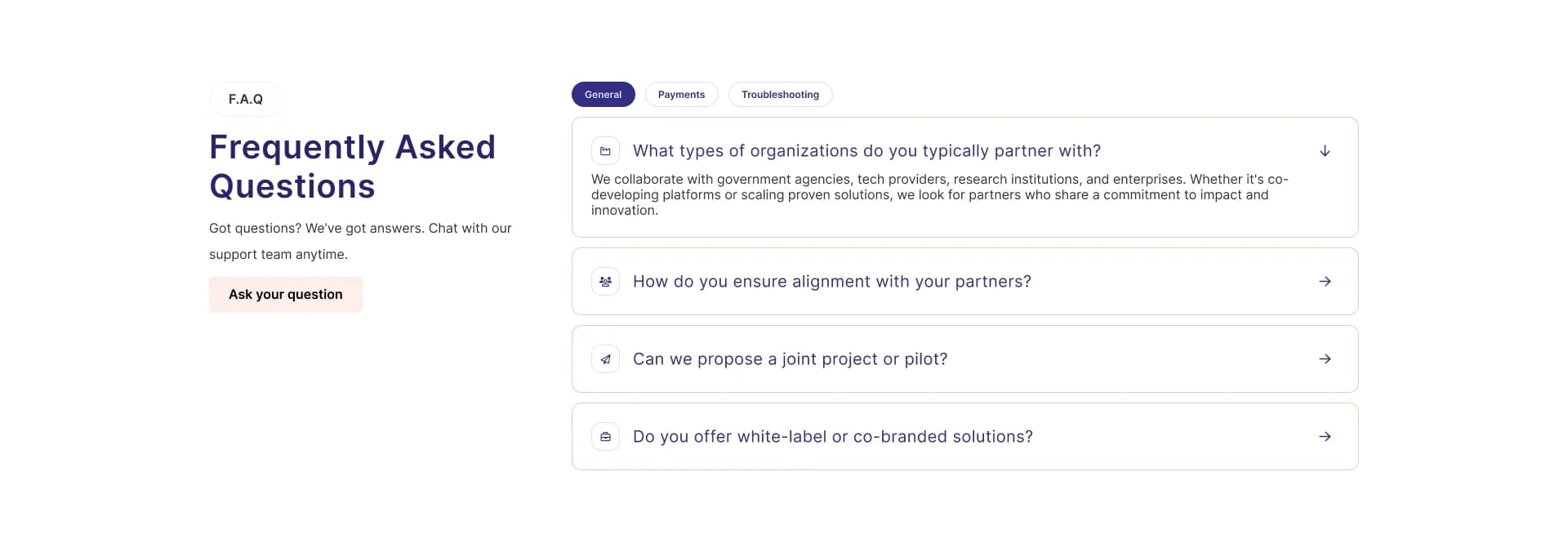
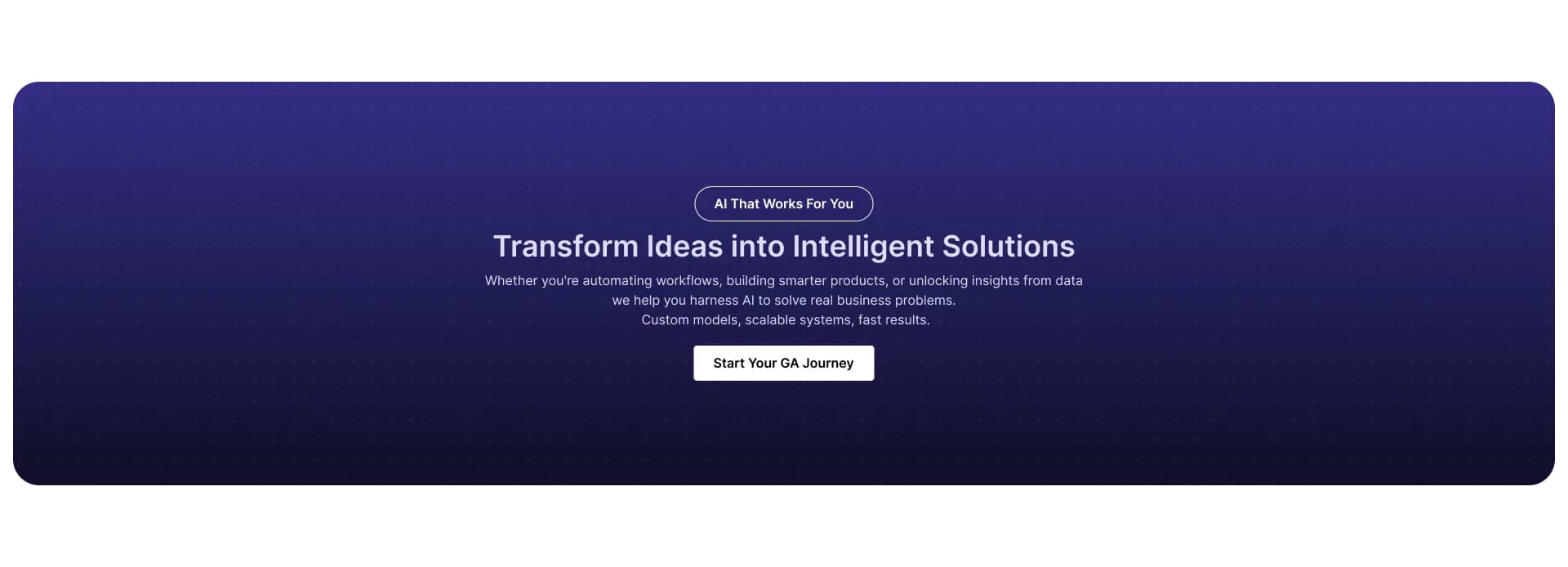
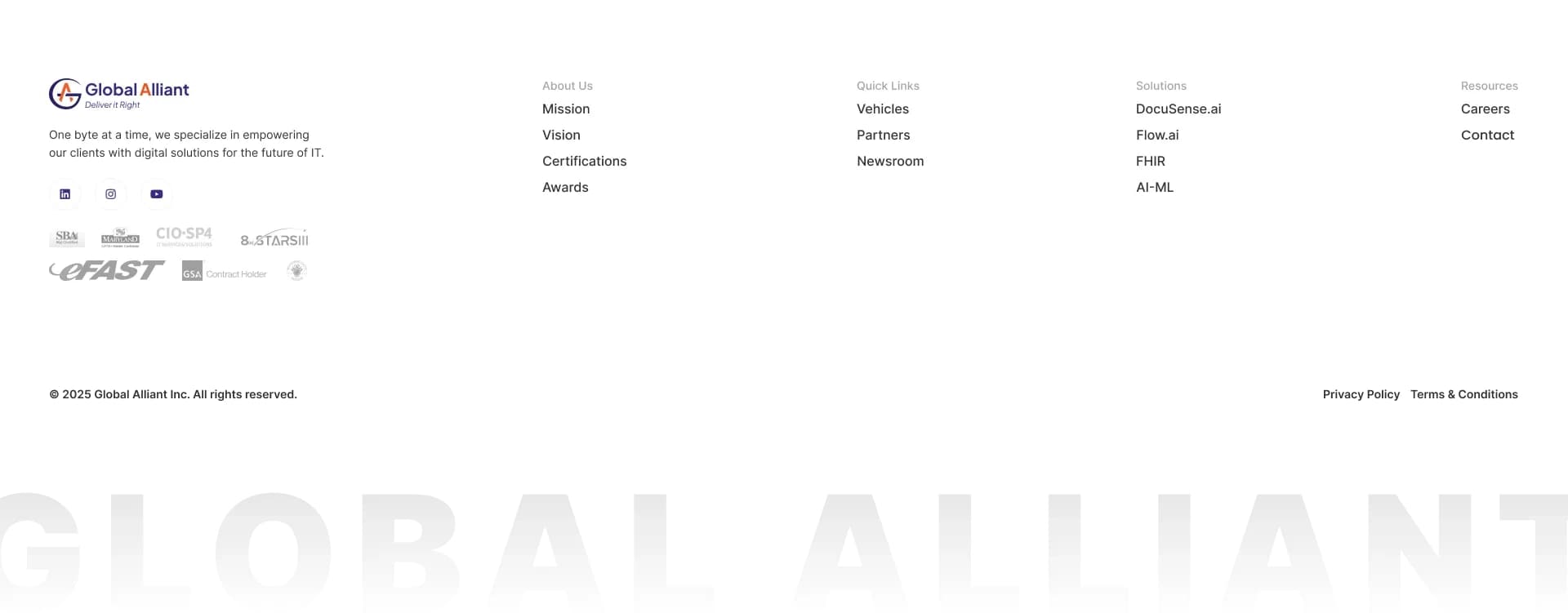
Before a user contacts sales, they usually have objections. The FAQ section is designed as an interactive accordion to keep the page length manageable while providing quick answers. Finally, a high-contrast CTA banner acts as a psychological stop-sign, prompting immediate action, supported by an organized 'mega-footer' that catches any stragglers looking for secondary pages.
Interactive Prototype
Explore the full interactive Figma prototype below.
Outcome & Reflection
Achieving full client approval on this design concept without extensive revisions proved the effectiveness of leading with a UX-first strategy. By deeply understanding the corporate audience, I was able to deliver a UI that didn't just look visually striking, but functionally solved the business's communication problems.
While the business partnership didn't finalize, this project remains a strong benchmark in my portfolio for how to execute high-end corporate web design efficiently.